
Appearance
Use Appearance to change the Control Center theme. This only affects the application interface, not client configuration.
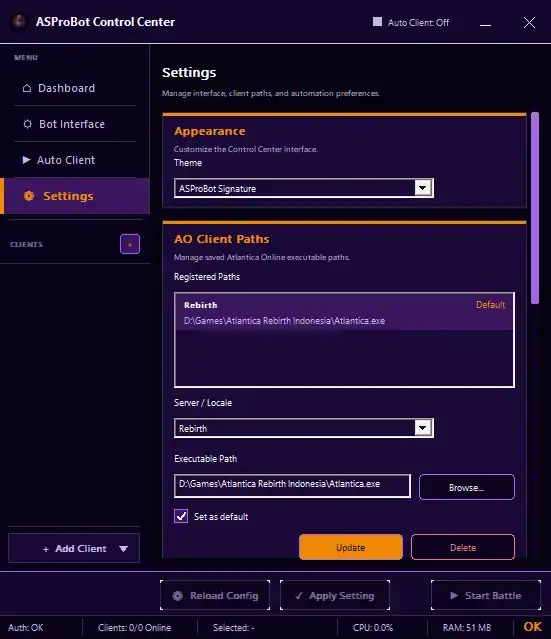
Change the theme
- Open Settings.
- Find Appearance.
- Open the Theme selector.
- Choose the theme you want to use.
Available themes include:
- ASProBot Signature
- Heritage Classic
- Studio Black
The selected theme is saved in the local Control Center configuration.
NOTE
Changing the theme does not modify AO Client Paths, Auto Client profiles, or Bot Interface configuration.